MegaSpeed
Help Home
~
Quick
Installation
~ Detailed
Installation
~ Configuration
~ Frequently
Asked Questions ~ Connection
Troubleshooting ~ General
Troubleshooting
MegaSPEED
Web Accelerator for Windows - Detailed Installation
Detailed
Installation Instructions
The minimum system
requirements
are a Pentium 200MHz with 64MB RAM, and at
least 5MB of hard-drive space. It works with Internet Explorer 4.0 as
well as
Netscape Communicator 4.0 or any later releases of both browsers.
-
Downloading the
MegaSPEED Web Accelerator installer onto your Desktop. You will see the
icon below. Double-click on the icon to launch
the installer.

-
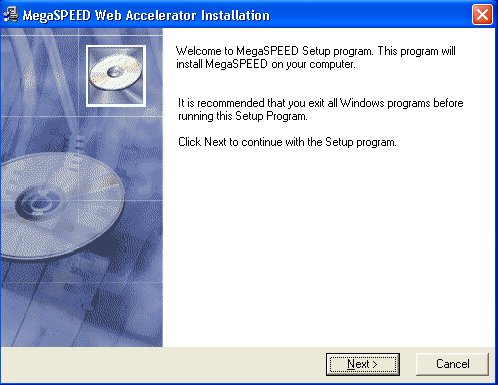
The installer will guide
you through the complete setup process.

-
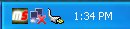
After installing MegaSPEED
Web Accelerator, the icon below is placed in your system tray.
Opening any web browser launches MegaSPEED Web Accelerator.

Browse the Web
-
Browse the web as you
normally would.
-
When finished, simply close
your web browser and the MegaSPEED Web Accelerator
will remain idle in your system tray.
-
If you want to stop the
application after browsing select Stop
MegaSPEED from the pop-up menu,
or if you desire to exit the application completely, click Exit
from the pop-up menu.
top
Launching
MegaSPEED Web Accelerator
launches automatically each time you start Windows.
It operates in the background to accelerate your Internet connection.
No user
intervention is required.
If MegaSPEED Web Accelerator is
not running and you need to launch it
manually, an icon titled "MegaSPEED Web Accelerator" is located in the
Windows Start Menu under the MegaSPEED folder (as shown below).

The MegaSPEED taskbar icon
appears in the Windows taskbar to you show you it
is running.
top
Uninstalling
MegaSPEED Web Accelerator
-
Under the Windows Control
Panel, select "Add or Remove Programs".
-
Select MegaSPEED Web
Accelerator and click Remove.
-
The uninstaller will launch
and guide you through the uninstallation procedure.